Image studio
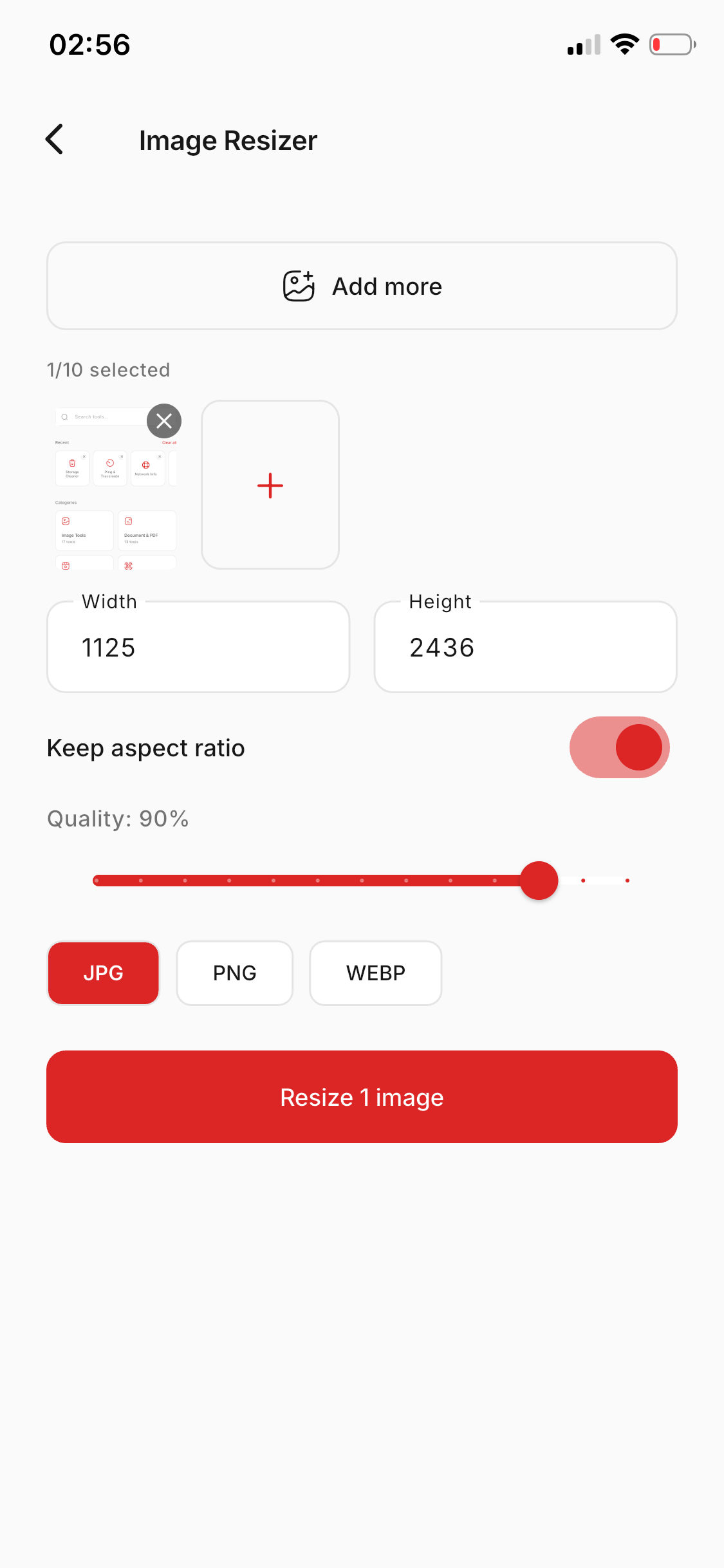
Resize, compress, convert, filters, watermark, alpha, HEIC→JPG, batch up to 5, and background remove.

Image, PDF, video, QR, and productivity utilities — processed on your device. No cloud required for the essentials.
Built for everyday power users
From a quick resize to a full PDF workflow — organized, fast, and offline-first.
Resize, compress, convert, filters, watermark, alpha, HEIC→JPG, batch up to 5, and background remove.
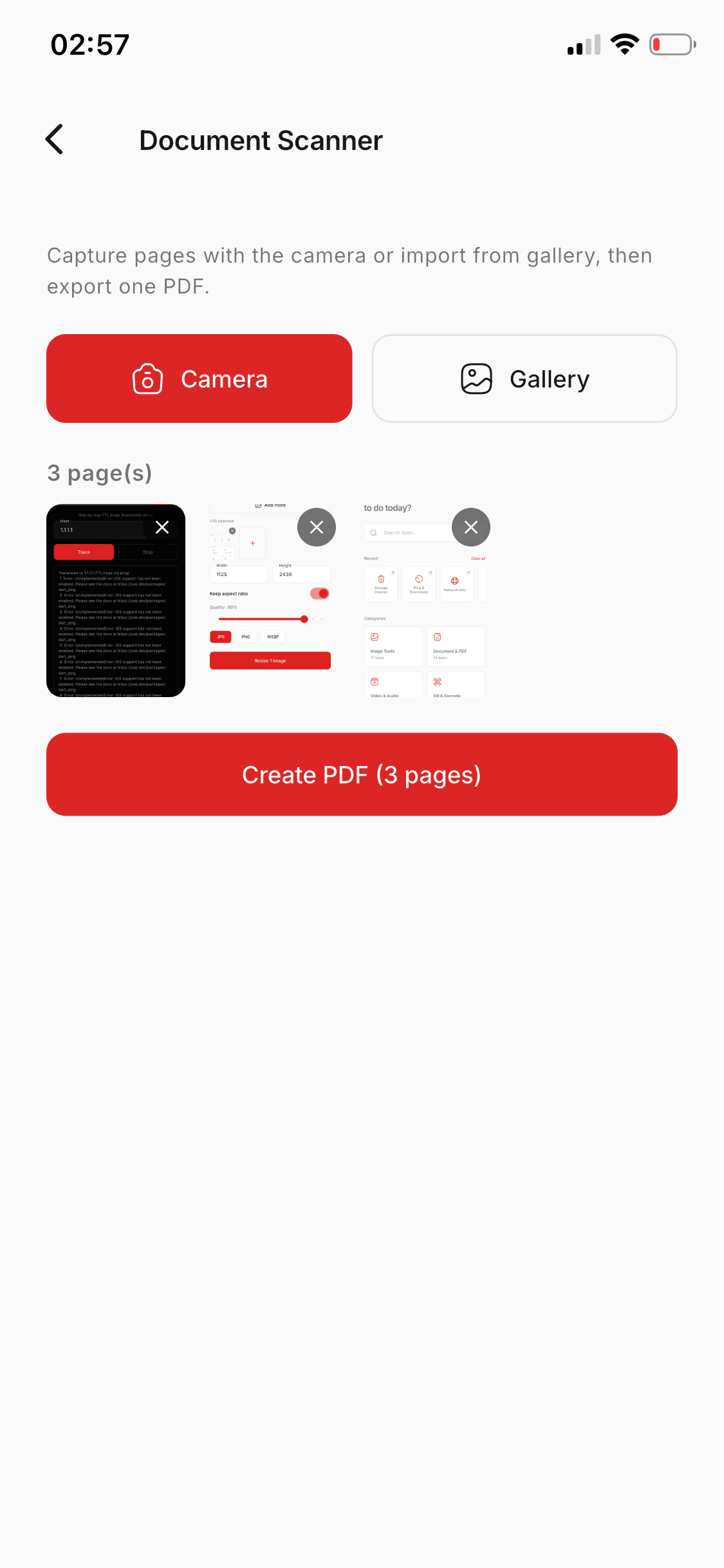
Merge, split, protect, compress, rotate, reorder, OCR, and document scanner camera → multi-page PDF.
Convert, compress, trim, mute, extract audio, merge clips, tempo, GIF, and burn subtitles — on device.
Generate Wi‑Fi, URL, and contact codes, scan live, extract from photos, and style with custom colors.
Password vault, AES file encrypt, secure shred, clipboard history — data stays on your phone.
Scientific calculator, tip split, currency, timer, notes, todos with reminders, flashlight, and more.
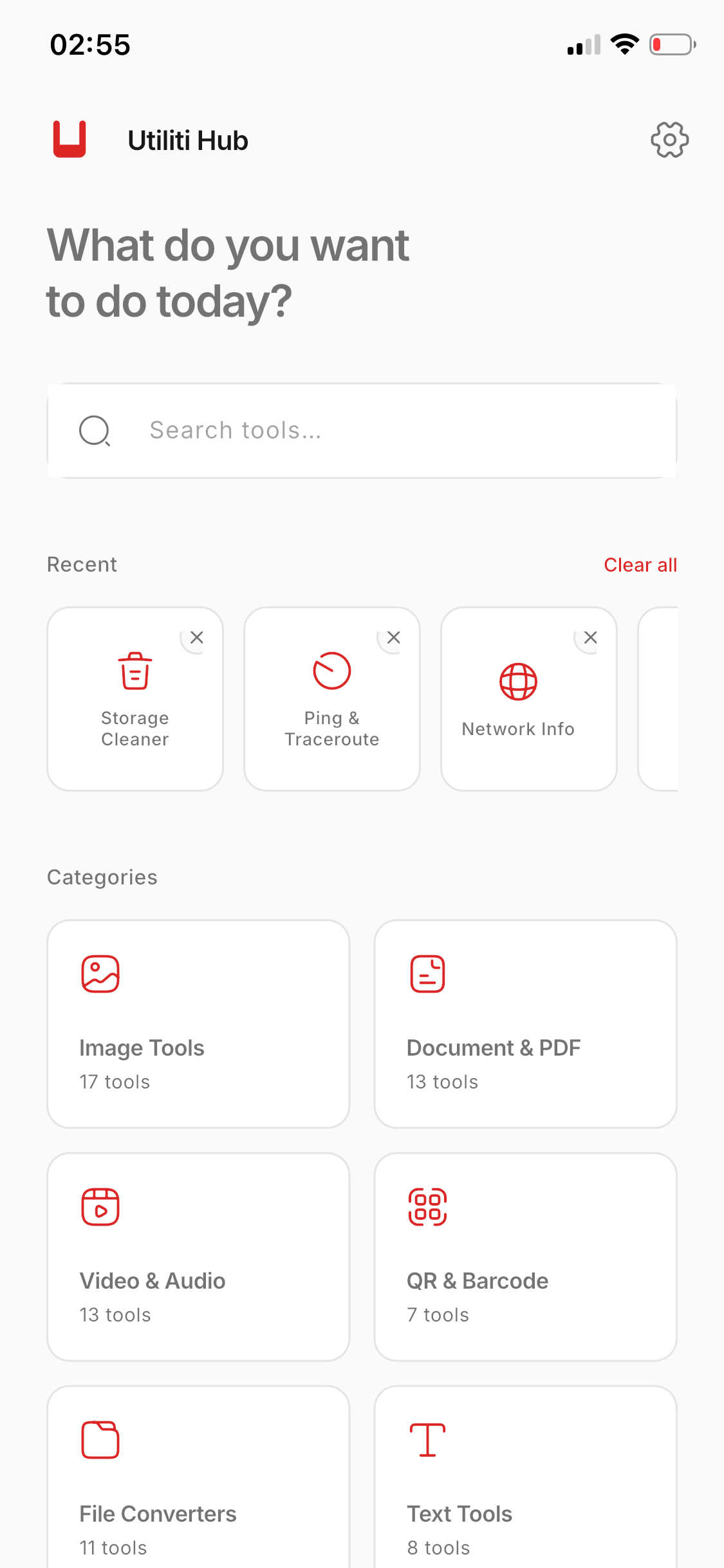
Find any tool in seconds — with recent history and “What do you want to do today?”
Core conversions run locally. No account wall. No upload for resize, compress, PDF, QR, or FFmpeg tools.
Process up to five images at once for resize, compress, convert, alpha, filters, and HEIC→JPG — with progress you can see.
Ads support the free tier. Upgrade monthly, yearly, or lifetime — or just remove ads.
Browse categories or jump from your recent tools and the morning prompt.
Select files, tweak options, watch progress — no upload for core tools.
Export to Downloads, share to any app, including full iPad popover support.
Start free. Upgrade only if you want zero ads and advanced unlocks.
Full core toolkit with light ads
Best value · cancel anytime
Pay once, own it
Also available: monthly Pro and remove-ads only. Prices may vary by region and store.
Install Utiliti Hub once. Open it whenever you need to convert, compress, scan, or ship a file.